SWMS AI
Compliant SWMS in minutes. Signed before work starts.
Describe the task. SiteSherpa drafts a Safe Work Method Statement for your scope of work: hazards, controls and PPE included. Review it, sign it on mobile, get on site.
The old way
Six hours in Word, or ten minutes of copy-paste. Pick your poison.
Every SWMS today is either written from scratch the night before, or copied from the last job and quietly wrong. Both fail the same way: when the reviewer, the principal or the inspector reads it properly.
How it works
Describe the job. Review the draft. Sign it.
Tell it the task
Type or speak: 'Install roof sheeting, two-storey residential, EWP access.'
SiteSherpa drafts the SWMS
Task-specific hazards, controls in hierarchy order, PPE and permits flagged, aligned to work health and safety requirements for high-risk construction work.
Review, adjust, sign on mobile
You stay in control: nothing goes to site unread. Signatures tracked, version locked, audit trail automatic.
You review and approve every SWMS. SiteSherpa drafts, you decide.
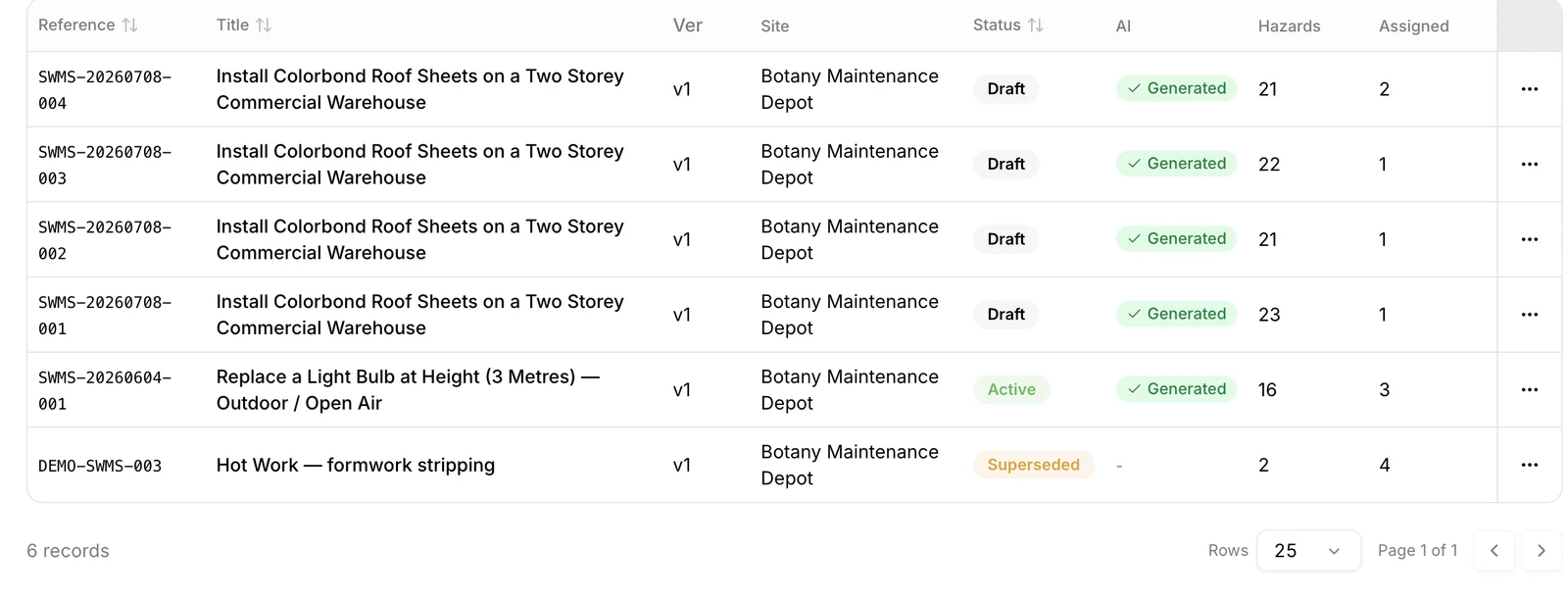
This is what it writes.
Roof sheeting install, generated with SiteSherpa. Reviewed and approved by a real supervisor before it went anywhere.
Get a sample SWMS (PDF)Built for the field. Not a checkbox.
- Works on a phone with gloves on
- Speak instead of type
- Offline on site, syncs later
- Every version tracked — no v7_FINAL_final.doc
- Reviewer comments in one place, not four text threads
Common questions
When do I legally need a SWMS?
For high-risk construction work, before that work starts. Requirements vary by jurisdiction, and SiteSherpa handles the differences in your setup. If you are not sure, the free templates page has a plain-English guide.
Is an AI-written SWMS compliant?
A SWMS is compliant when it reflects the actual task, site and controls, and is reviewed and signed by the people doing the work. SiteSherpa drafts it accurately and fast; your team reviews and approves it. You stay in control.
Can I use my existing SWMS?
Yes. Upload them, keep using them, and let SiteSherpa handle versions, signatures and expiry.
What does it cost?
SWMS AI is included in every plan. See pricing.