Risk assessments
Risk assessments in minutes. Not half a day.
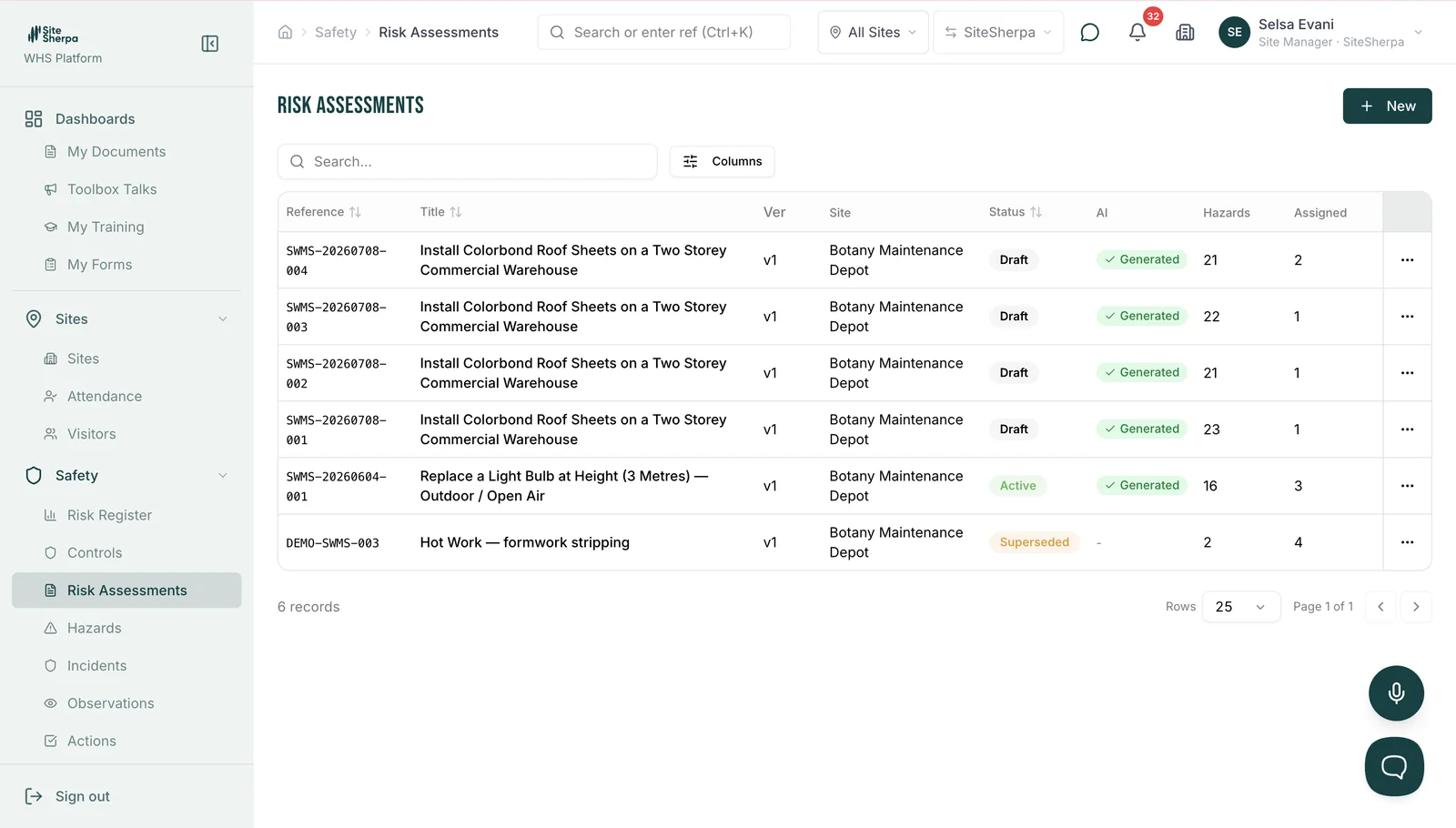
Describe the job. SiteSherpa drafts the risk assessment: hazards identified, risks rated before and after controls, controls ordered by the hierarchy. You review, adjust and sign.
The old way
Copied from the last job. Rated by gut feel. Filed and forgotten.
Most risk assessments are a template with the date changed. They keep the paperwork current and the risk unmanaged. If the assessment doesn't reflect this site, this crew and this job, it is decoration.
How it works
The thinking, drafted. The judgement, yours.
Describe the work
Task, location, plant, crew.
SiteSherpa drafts hazards and controls
Rated on your risk matrix, controls ordered by the hierarchy of controls, residual risk shown.
Adjust with what only you know
Site conditions, crew experience, that thing that nearly happened last year. Sign on mobile.
Worked example — hazard: falling objects during crane lift · initial risk: high · controls: exclusion zone, tag lines, spotter · residual: medium.
It doesn't end in a drawer.
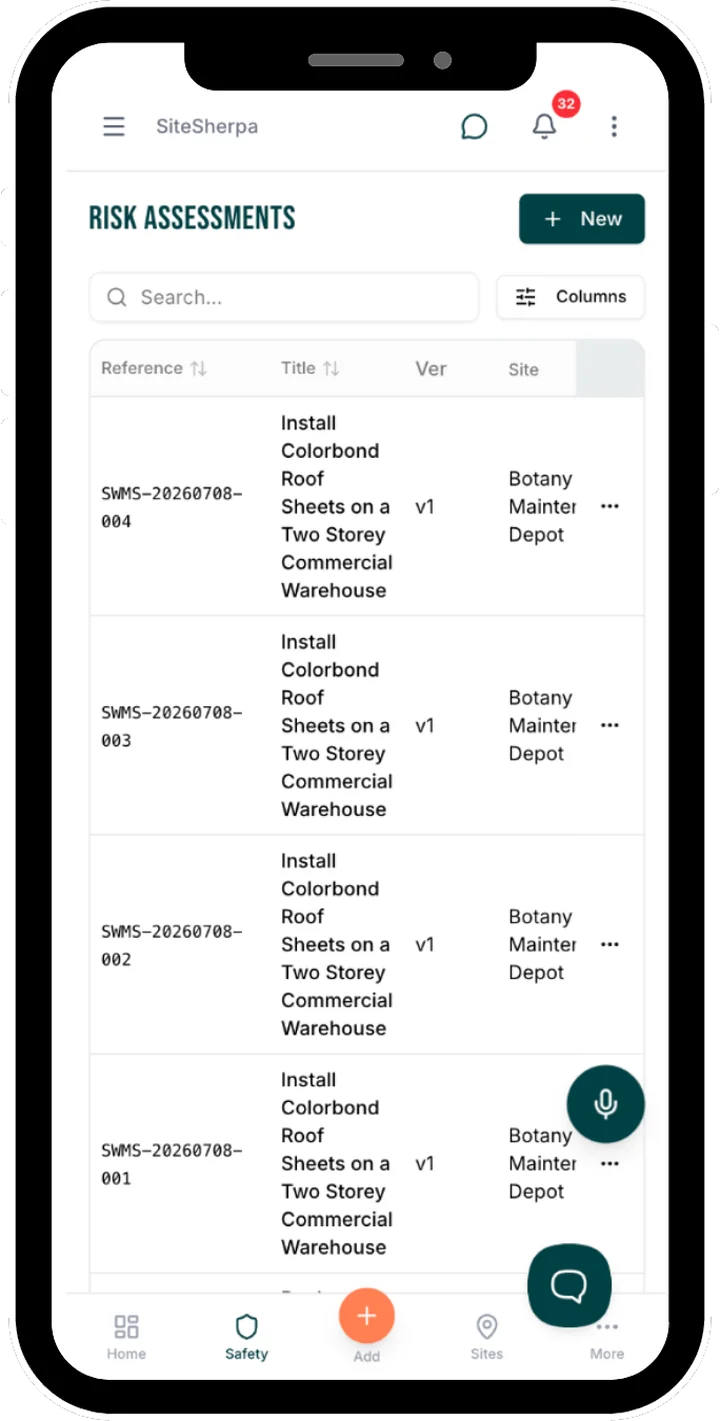
Every control that needs action becomes a tracked action with an owner and a due date. Every assessment links to the SWMS, the toolbox talk and the workers who signed it. When something changes, you update once and everyone sees it.
Common questions
Is this compliant with the WHS Act?
Work health and safety laws require risks to be managed and controls applied in a structured way. SiteSherpa structures every assessment to support that. You remain responsible for reviewing and approving it, which is exactly how it should be.
Can I use my own risk matrix?
Yes. Configure your matrix and ratings once; every assessment uses them.
Does SiteSherpa handle different jurisdictions?
Yes. Jurisdictional differences in work health and safety requirements are handled in your setup.
How is this different from the SWMS feature?
The risk assessment is the thinking; the SWMS is the site document for high-risk construction work. SiteSherpa drafts both, and they stay linked.